So you’ve invested in an industrial cutting machine to take your operation to the next level. What happens when you just can’t get the results you want? Maximizing efficiency and cut quality starts with matching the right technology to your material mix, tolerances, and throughput goals, then dialing in the settings that make the biggest difference.
In this guide, we’ll break down how different industries can tailor their plasma and oxy-fuel systems to boost productivity, improve edge quality, and reduce scrap, while also covering practical troubleshooting tips for common issues like dross and deformation, so that you can cut faster, cleaner, and more consistently.
Understanding the Basics of CNC Industrial Cutting Systems
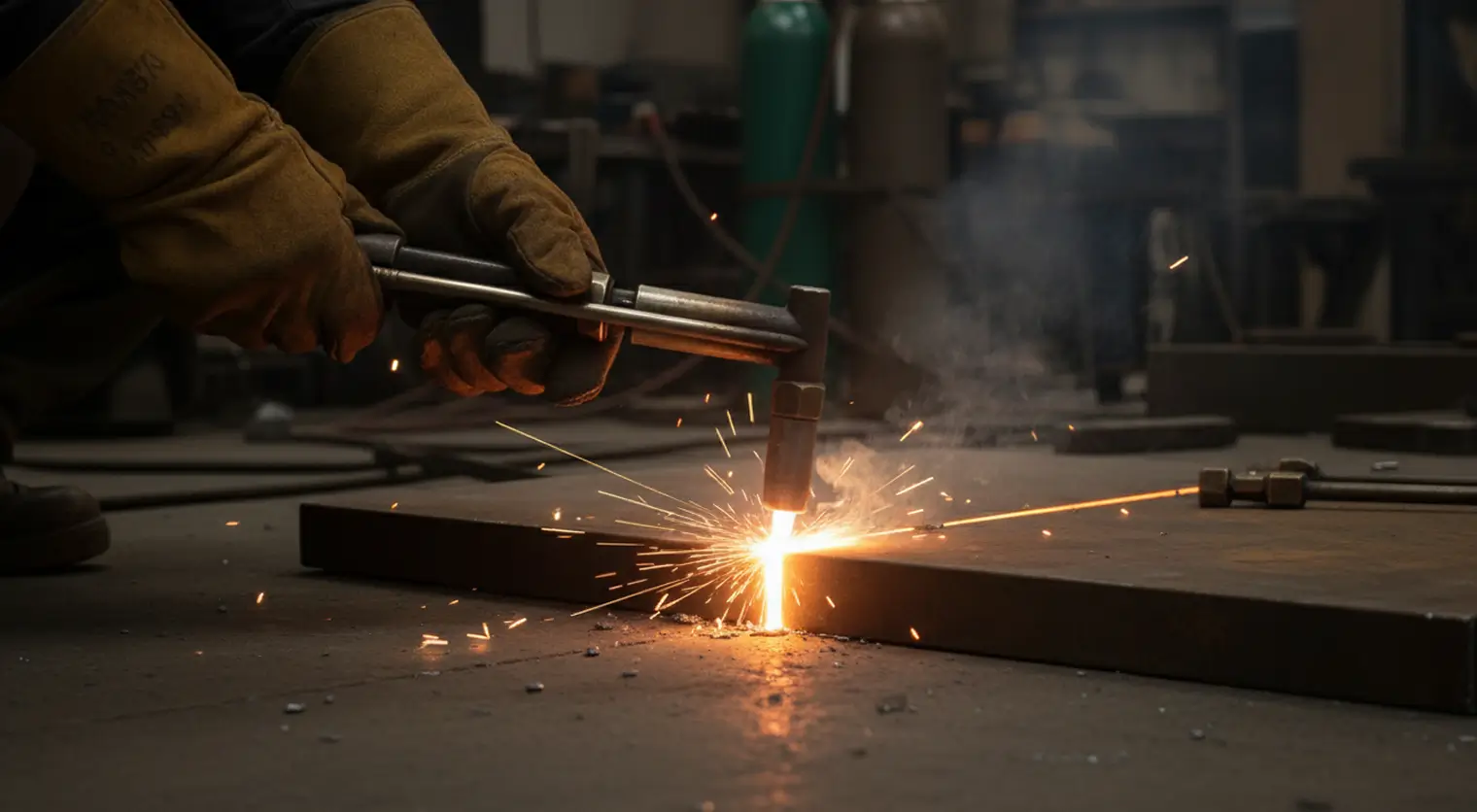
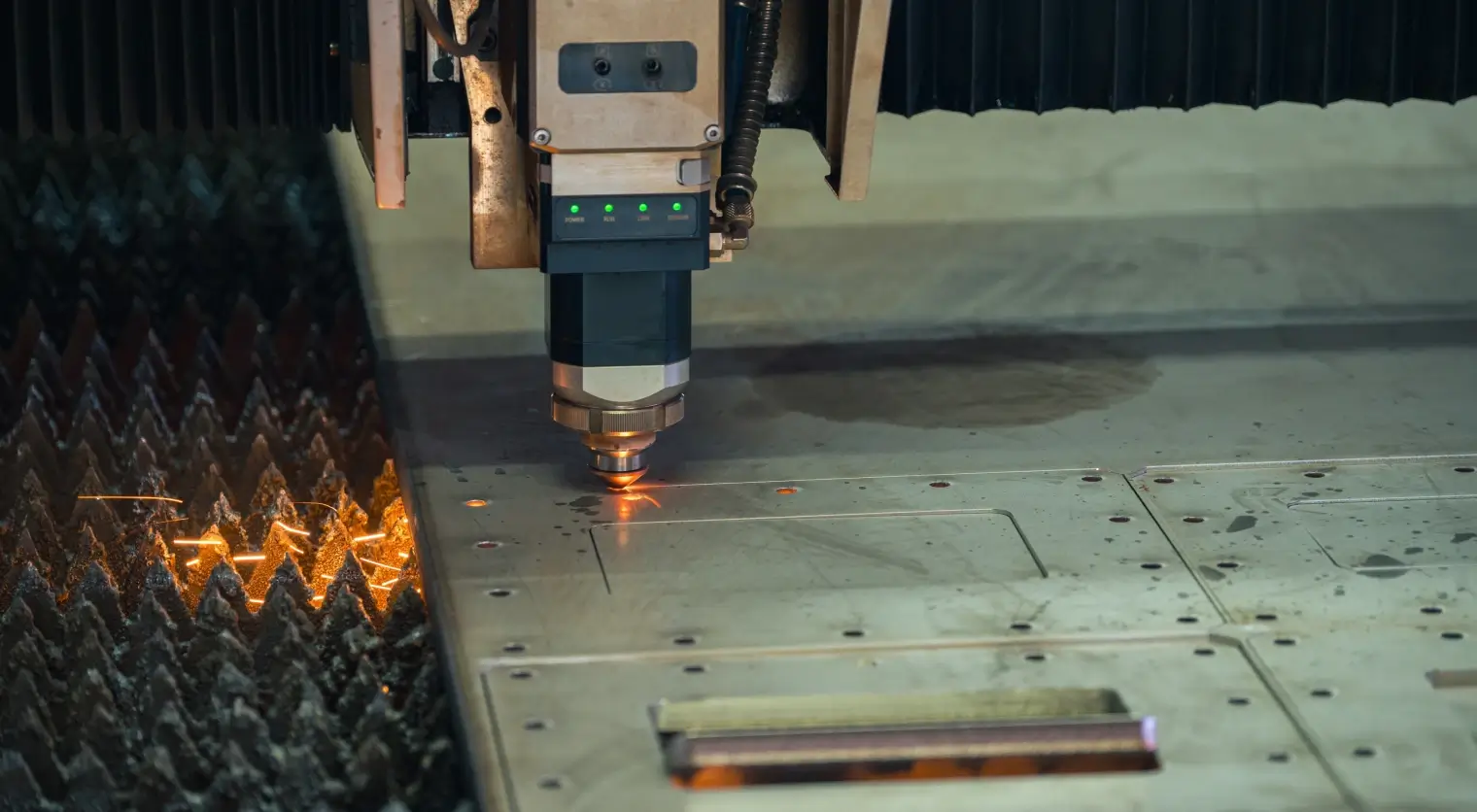
Before you start adjusting settings, it’s important to understand the fundamentals of CNC cutting systems, like plasma and oxy-fuel cutting machines. Both plasma and oxy-fuel cutting offer a wide range of capabilities, including:
- Thick plate cutting
- Manual rough severing
- Strip cutting
- Bevel cutting
- Metalizing
- Cutting and bending
- Flame hardening
These machines are commonly used across a diverse range of industries, like automotive and transportation, heavy equipment manufacturing, shipbuilding, structural steel fabrication, and more.
Plasma vs. Oxy-Fuel Cutting
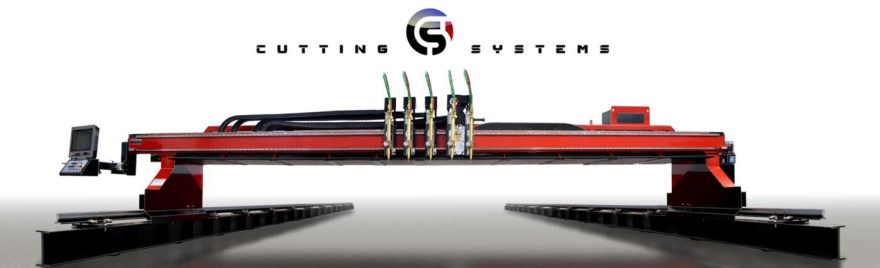
The choice between plasma and oxy-fuel cutting really comes down to what material you’re cutting. CNC plasma cutting delivers faster cuts and cleaner edges on most materials, whereas oxy-fuel is best for heavy-duty applications, like cutting extremely thick carbon steel. Some cutting systems, like Cutting Systems’s Kodiak machine, offer dual plasma and oxy-fuel-cutting capabilities, which may be ideal if you work across a wide range of materials and want to get the most out of your equipment.
While the majority of this article focuses on plasma cutting, oxy-fuel machines offer many of the same capabilities. No matter which industrial cutting solution you’re using, Cutting Systems offers technical support for both.
Take a deeper look: Oxy-Fuel Cutting vs. CNC Plasma Cutting
What Is Dross?
Dross is the enemy of a clean, precise cut. Surface dross is the unwanted material that forms on the edge of a cut, which can create distortion and unattractive edges. Amperage is a key player in reducing dross, as is cut speed. Higher current levels and optimal cutting speeds can drastically reduce dross.
Adjusting for Material Type
Optimizing your cutting system requires an understanding that cut settings are not one-size-fits-all. The material you’re cutting plays a direct role in factors like amperage and cut speed. The thickness, strength, and machinability of your chosen material will change the way your plasma or oxy-fuel system achieves its cuts, and these characteristics vary widely from material to material. Whether you’re cutting aluminum, mild steel, stainless steel, or another metal, adjusting your cutter for the material you’ve selected will change the accuracy and quality of your cut.
Choosing Consumables
CNC plasma cutters use plasma-cutting consumables to develop the plasma arc needed to produce the ionized gas jet used for cutting. The CNC software directs the plasma cutting torch in a designated path, which then uniformly and precisely cuts the material.
That means the consumables you choose for your machine matter a great deal. General types of CNC plasma cutter consumables include swirl rings, electrodes, nozzles, retaining caps, and shield caps. Each component works to focus the plasma arc. Installing your consumables correctly and monitoring their performance steadily is the key to reducing replacement costs and driving accurate cutting every time.
5 System Settings to Enhance Cut Quality
Consistent cut quality is what makes your finished pieces look precise and professional, but it’s about more than just aesthetics. Your cut quality also impacts budget, efficiency, and overall success. With proper plasma cutting optimization, you can achieve:
- Consistently High Quality: Get professional results, cut after cut, that keep your operation trustworthy.
- Minimize Clean-Up: With a cleaner cut, you’ll find yourself doing less grinding or edge clean-up.
- Reduced Waste and Material Cost: With correct plasma cutter settings, you can get the most out of your materials. Maximizing usable parts after each cut means less waste and less of a strain on your budget.
Building a custom CNC cutting system can also make it easier to achieve the exact capabilities you want. Cutting Systems offers custom-engineered cutting solutions that are designed to work with you, not against you.
Let’s take a closer look at which factors and settings have the highest impact on cut quality and efficiency when using industrial cutting machines.

Torch Configuration & Height
Torch-to-work distance is a key factor in optimal cutting. While it’s normal for there to be slight variations in cut angles, the wrong torch configuration can consistently give you wonky cuts and slow down your production.
A negative cut angle usually means that your plasma torch is too low and the torch-to-work distance needs to be increased. In other words, there’s not enough space between the torch and the material you’re cutting. A positive cut angle is the result of the opposite problem: the plasma torch is too high, and the torch-to-work distance needs to be decreased. If your machine uses arc voltage control, adjust the voltage to achieve the torch-to-work setting you need.
Cutting Speed
With CNC plasma cutting, cutting speed is one of the most critical settings for clean, quality cutting. It’s also the setting that takes the most trial and error. If your cutting speed is too fast or too slow, your cut quality will suffer for it, but speed and efficiency are high priorities in high-production environments.
The key is to cut as fast as your material and cut tolerances allow, without overworking your machine or getting surface dross. When cutting thicker material, setting the machine to full output and varying your travel speed will result in the cleanest cuts. For thinner materials, like aluminum, we recommend turning down the amperage and swapping out your tip to one with lower amperage to maintain a narrow kerf.
How Can You Tell Your Cutting Speed Is Off?
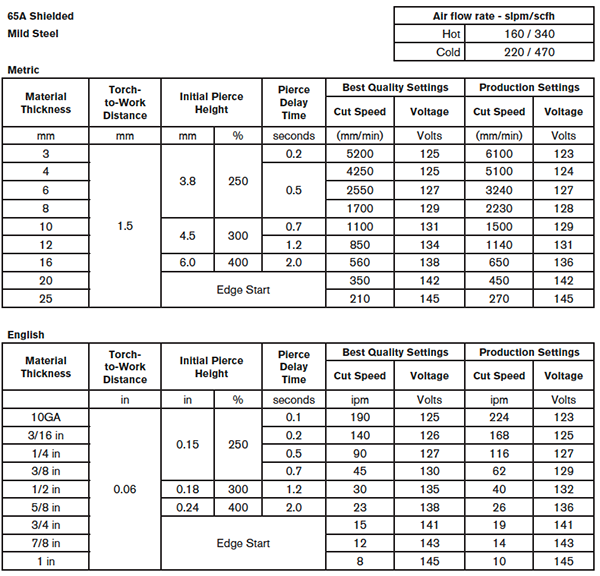
Most cutting machine manufacturers provide cutting charts that make it easy to find optimal settings, including cutting speed. Always start with the recommended settings and adjust as needed if you’re not getting the cut you want.
The chart below is included in the operation section of the Hypertherm Instruction Manual:
If you’re not sure if your cutting speed is correct or not, here are some indicators to look out for:
|
Cutting Speed Too Slow |
If your cutting speed is too slow, the arc may shoot upwards into the nozzle as you cut, or you’ll see signs of surface dross. |
|
Cutting Speed Too Fast |
Distortion, dross, and incomplete cuts are common issues when your cutting speed is too fast. |
|
Optimal Cutting Speed |
This is the fastest speed you can achieve to cut your material cleanly, with minimal dross or heat buildup. |
Amperage
Amperage works in tandem with cutting speed to optimize your cut quality, and much like cutting speed, the amperage you need depends on the thickness of your material. This is especially true during the piercing process.
For thin materials, we recommend a lower amperage that prevents burning but a higher cut speed to reduce dross. For thicker materials, like carbon steel, a higher amperage will enable your machine to cut deep enough and a controlled speed helps you avoid incomplete cuts.
CNC Software Settings
The best CNC software is intuitive, with an easy-to-use interface that anticipates your needs. However, if you’re not getting the cut results you want, you may need to fine-tune your software settings. Cutting Systems industrial cutting solutions come equipped with Hypertherm’s CNC Controller, which offers automated cutting with customizable programs and intuitive adjustments. Our cutting systems also integrate with ProNest CNC CAD/CAM nesting software for efficient part nesting that helps you optimize material usage.
CNC Software Tips
If your cut width is off, adjust your kerf compensation to ensure accurate part dimensions. Nesting is another CNC software setting to keep your eye on; with effective nesting, you can arrange the parts on the material more efficiently, improving edge quality while also reducing waste during production.
Frequently Asked Questions
Why am I getting “low-speed dross” vs. “high-speed dross”—and how do I tell the difference?
Low-speed dross is when dross forms as a thick bubbly accumulation along the bottom edge of the plate, while high-speed dross forms as a small, hard bead of uncut material. As the names suggest, both are a result of cutting speed and amperage. Low-speed dross often forms when the cut speed is too slow and the amperage too high. High-speed dross, however, happens when the cutting speed is too high and the amperage too low.
Why does my CNC plasma torch “dive” into the plate during a cut (or right after pierce)?
This is usually a result of incorrect torch height. Adjusting THC (torch-height control) after piercing or slowing down the cut speed can prevent your torch from diving so deeply, so quickly.
Do you offer post-sale training or on-site support to help us optimize cut quality and troubleshoot faster?
Yes. Cutting Systems offers technical support for our plasma and oxy-fuel cutting machine customers to provide optimal performance and long-term reliability. Our experts can help you troubleshoot, maintain, and optimize your cutting system to keep your operations running smoothly.
We also provide on-site support for Cutting Systems customers. Reach out to us today to learn more about how we can help.